Today while working locally some changes for authoring I was on need to test it while being on HTTPS to make sure the behaviour was going to match what was expected and noticed that currently tutor doesn’t have a quick way to run things with HTTPS locally, or at least I didn’t figure out a proper way to do it….
So if anyone knows the details on how “oficially do it” I would be glad to give it a read, if there’s no way, then I would like to know if theres any specific reason on why…
I have it running now and there’s a couple of changes that can be added in a tutor plugin to have this feature but some others that are not currently possible (or at least not to my current knowledge of possible patches)
The steps I went through to have it running:
- install mkcert → GitHub - FiloSottile/mkcert: A simple zero-config tool to make locally trusted development certificates with any names you'd like.
- install root cert in trust store
mkcert -install - generate certs for all main domains in that certs folder
mkcert local.openedx.io(local.openedx.io, studio.local.openedx.io, apps.local.openedx.io, meilisearch.local.openedx.io) - add the cert to lms, cms, meilisearch and mfe containers to make sure communication won’t do funky stuff
ROOT_CA="$(mkcert -CAROOT)/rootCA.pem"
docker cp "$ROOT_CA" "tutor_main_local-cms-1:/usr/local/share/ca-certificates/rootCA.crt"
docker exec -u 0 "tutor_main_local-cms-1" /usr/sbin/update-ca-certificates --fresh
- enable HTTPS and WEB_PROXY in tutor:
tutor config save --set ENABLE_HTTPS=True
tutor config save --set ENABLE_WEB_PROXY=True
- mount certs folder to caddy by modifying manually the docker file (didn’t find a quick way to patch this)
caddy:
    image: docker.io/caddy:2.7.4
    restart: unless-stopped
    ports:
      - "80:80"

      - "443:443"
      # include support for http/3
      - "443:443/udp"

    environment:
      default_site_port: ""
    volumes:
      - ../apps/caddy/Caddyfile:/etc/caddy/Caddyfile:ro
      - ../../data/caddy:/data
      - ./certs:/root/certs # <----- this is the part that was added
- Add TLS section to Caddyfile to each of the configured hosts that require https ex:
studio.local.openedx.io{$default_site_port} {
    @favicon_matcher {
        path_regexp ^/favicon.ico$
    }
    rewrite @favicon_matcher /theming/asset/images/favicon.ico


    tls /root/certs/studio.local.openedx.io.pem /root/certs/studio.local.openedx.io-key.pem # <--- This is the part that was added and may be possible thorugh a plugin but I went manually here for testing purposes
    import proxy "cms:8000"


    handle_path /* {
        request_body {
            max_size 250MB
        }
    }
}
- restart caddy so it starts using the certs
tutor local restart caddy - make sure you have the proper redirections on django oauth toolkit for cms so the login for studio works properly, for it to work properly cms-sso needs to have:
http://studio.local.openedx.io/complete/edx-oauth2/
https://studio.local.openedx.io/complete/edx-oauth2/
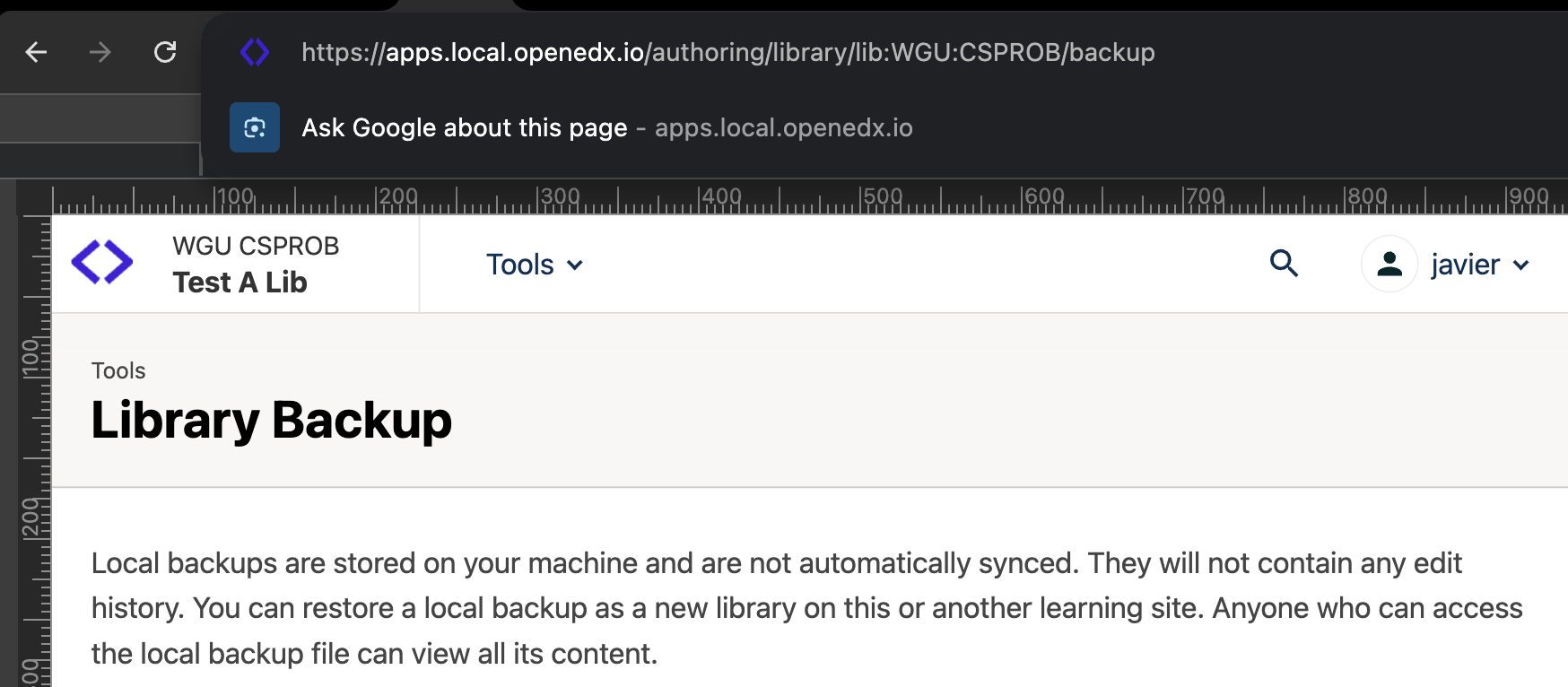
and if you survived the steps you endup with https and all the systems working properly: