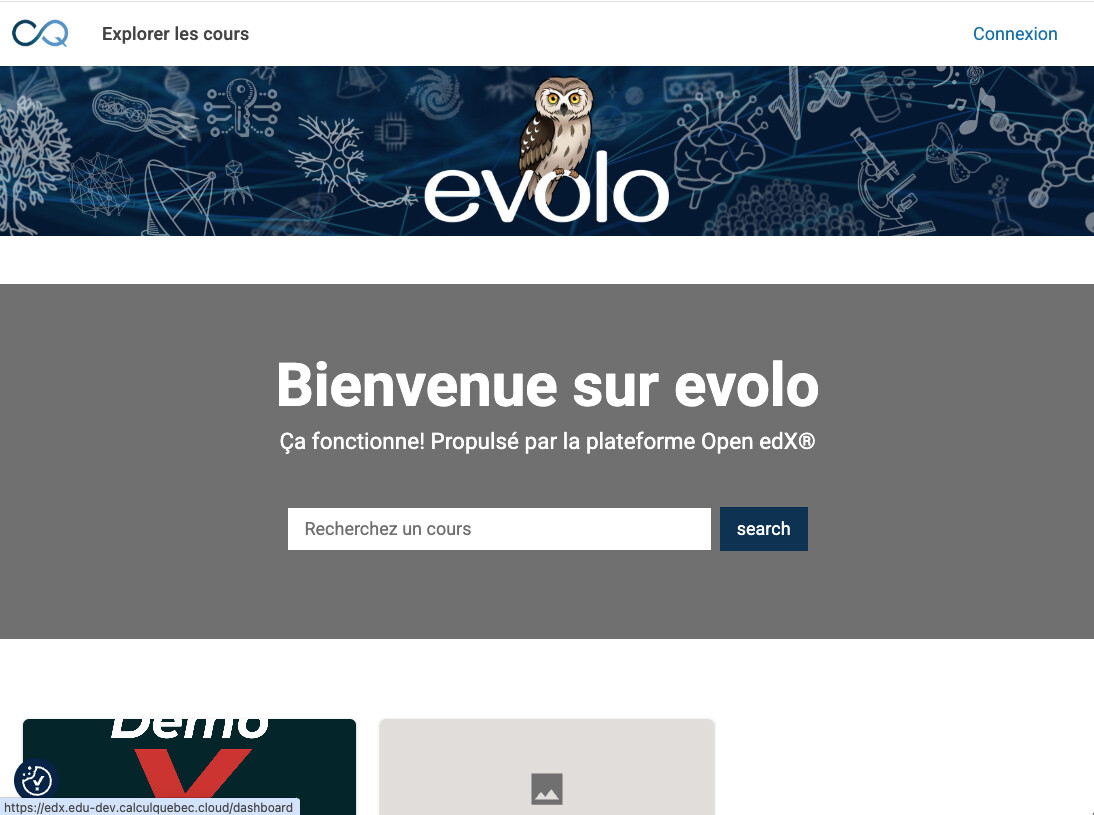
When we are logged out, the logo link in the header points to the legacy /dashboard page. This in turns redirects to the logged in `/catalog/courses` page, instead of coming back to the home page. It forces users to connect, even if they may not have an account.
When clicking on the logo, it should bring us back to the “home” page (which is now the catalog MFE main page), instead of bringing us to a logged in page and forcing us to connect.
Ok, I found how to change it. However, it is quite a bit clunky to me.
We would have to either hardcode everything, or figure out how to access config variables such as ${config.LMS_BASE_URL}inside the plugin slot code. Also, the example to modify the URL shows how to directly edit the env.config.jsx, not how to do it via a tutor plugin. In particular, I don’t know how to add a JSX function through something like
from tutormfe.hooks import PLUGIN_SLOTS
PLUGIN_SLOTS.add_items(
...
)
It seems to me that the “logoDestination” should no longer lead to ${config.LMS_BASE_URL}/dashboardbut rather to ${config.LMS_BASE_URL}