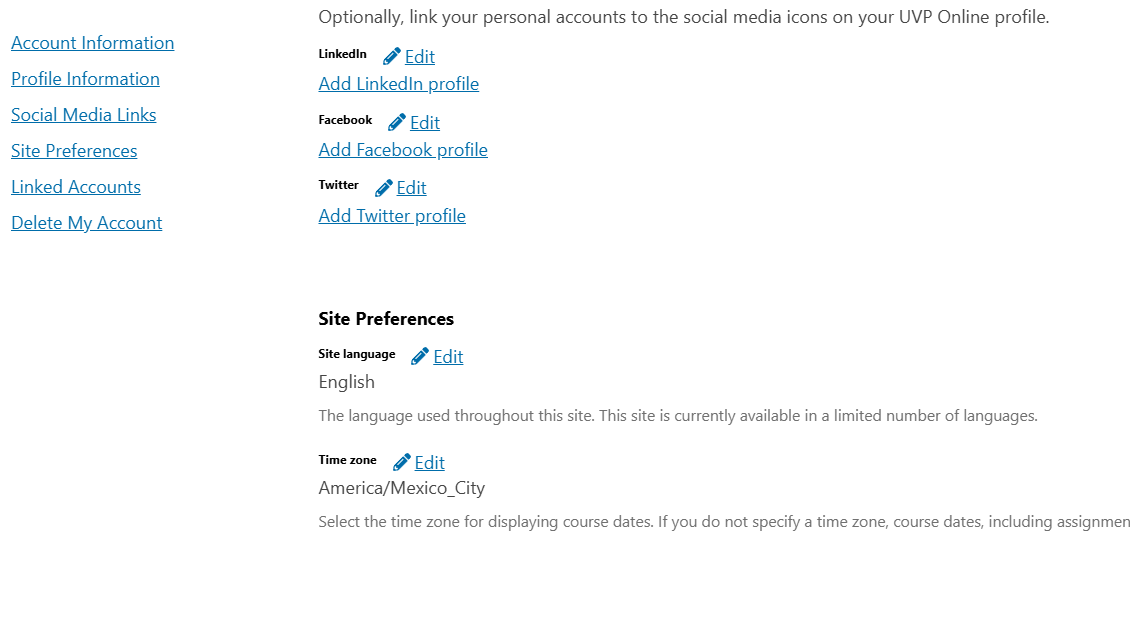
I’m having a critical issue where the TIME_ZONE setting in Tutor is not being applied to my Open edX platform. My goal is for student-facing deadlines to be displayed correctly in our local timezone (CST), but they are showing incorrect times.
What I’ve Done:
Set TIME_ZONE: "America/Mexico_City" in my config.yml using tutor config save.
Forced a complete image rebuild with tutor images build --no-cache openedx to make sure the setting was applied without using old layers.
Relaunched the entire platform using tutor local launch.
Tested a course deadline with a student account, and the time displayed to the student is incorrect.
Diagnostic Check: The root cause seems to be that the container itself is not adopting the timezone. When I run tutor local run lms date, the output is still in UTC, not in CST as it should be.
My Question: Why would the LMS container remain in UTC after the TIME_ZONE is correctly set in config.yml and the image is rebuilt with --no-cache?
Is there another configuration file, an environment variable, or a step I am missing to make the Tutor-built Docker container adopt the timezone from the configuration? Or is there a different, recommended method for changing the timezone that I should be using instead?