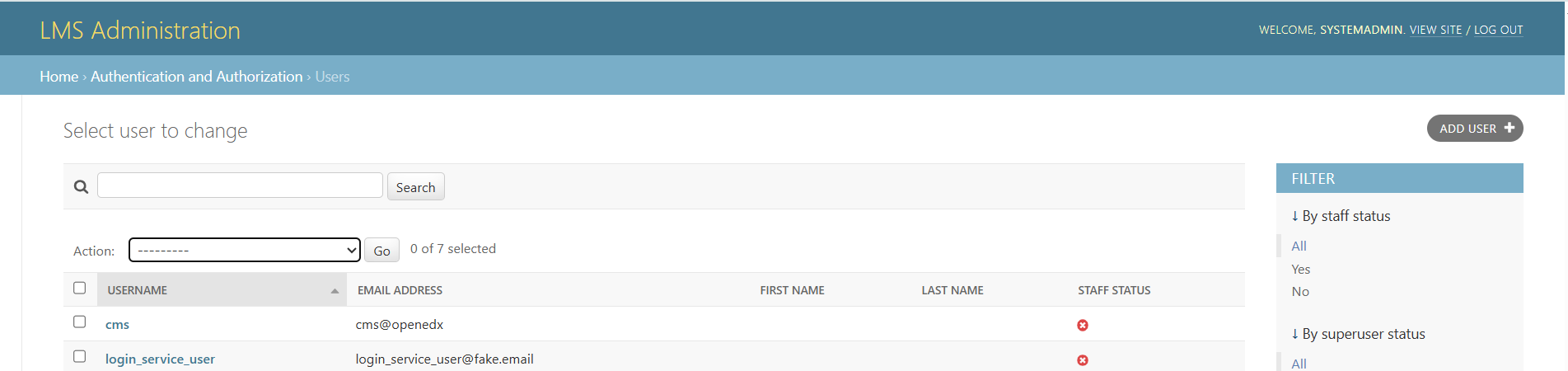
I need to make minor changes like adding an Action Button on the User Admin page, change the contents of the Account Activation email and few others but my challenge is I have not been able to deploy a Django App which I could use for this purpose.
Then I noticed this example project and wants to leverage on it and add my features but still cannot successful deploy it and get it working. Following the instructions on the page all work well till I got to
2. add configuration data to custom models
tutor local run lms ./manage.py lms openedx_plugin_init
tutor local run lms ./manage.py lms openedx_plugin_api_init
tutor local run lms ./manage.py lms openedx_plugin_mobile_api_init
tutor local run cms ./manage.py cms openedx_plugin_cms_init
where “Unknown command: ‘openedx_plugin_init’” is returned for each of the commands. Please can someone help me?
Hi @pauldic could you please specify what version of Tutor you’re running, paste output of logs (in a formatted code block), and - if possible - provide a link to the plugin you’re trying to run?
So, am working with tutor 20.0.0, edx teak.2. I have made some progress from the time I posted this. I had to clone and make few changes on the repository and ran these lines accordingly before build:
tutor config save --append OPENEDX_EXTRA_PIP_REQUIREMENTS=“git+https://github.com/open-craft/xblock-poll.git”
tutor config save --append OPENEDX_EXTRA_PIP_REQUIREMENTS=“git+https://github.com/cookiecutter-openedx/openedx-plugin-example.git@main#egg=openedx-plugin-example&subdirectory=.&refresh=202509111200”
Unfortunately the later is not in the documentation