Hi @estebanetcheverry
Not sure if this is an issue on my side, or maybe it’s picking up incorrectly, as I’m running the default teak.2 release at https://github.com/openedx/edx-platform.git#release/teak.2 but your site tells me I’m on master branch. Maybe a bug or maybe I’ve missed something on my side
You’ve found something interesting. The release line in Teak is reported as ‘master’. This may be an oversight during the release phase. I’ll report it.
Thanks for sharing this, Esteban! Very handy. I work in Business Development and this is quite useful as many clients aren’t aware of their current version. I’m wondering if it’s possible to determine the version for instances with custom dashboards? Right now it looks like custom dashboards return a not detected result.
Thank you, Esteban. This tool is very cool. I always wanted to have such to define which version the client has. I just noticed that if the project has also a Portal, it can’t detect the release version. I think a commenter above meant the same case.
@jordan, try adding /api after the LMS URL. Even if an instance uses custom error pages, this approach should bypass them and render the native 404 page from the LMS. Currently, the meta[name="openedx-release-line"] HTML node is added only on pages rendered with Django templates (the legacy experience).

 Check your Open edX version here: https://openedxcheck.aulasneo.com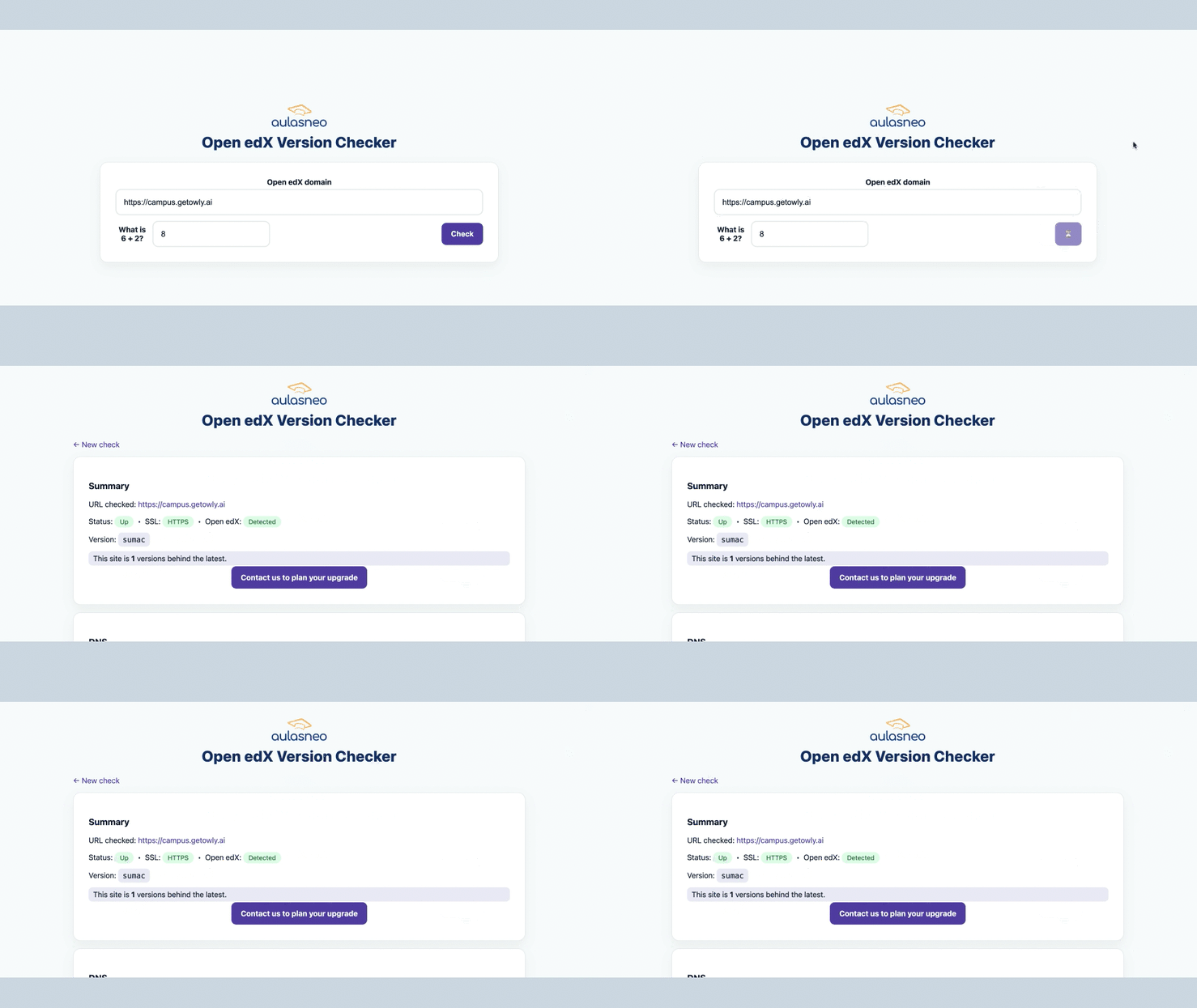
 Security: Older, unsupported versions may miss critical security patches.
 Features: You might be missing out on the newest features and UX improvements.
 Maintenance: Ensuring your dependencies and software stack remain supportable.