Hi everyone,
I ran into an issue while setting up the grading policy for my course. Initially, I forgot to assign a percentage weight to the final exam. As a result, while students were completing the course, they could only achieve a maximum of 60% of the total grade.
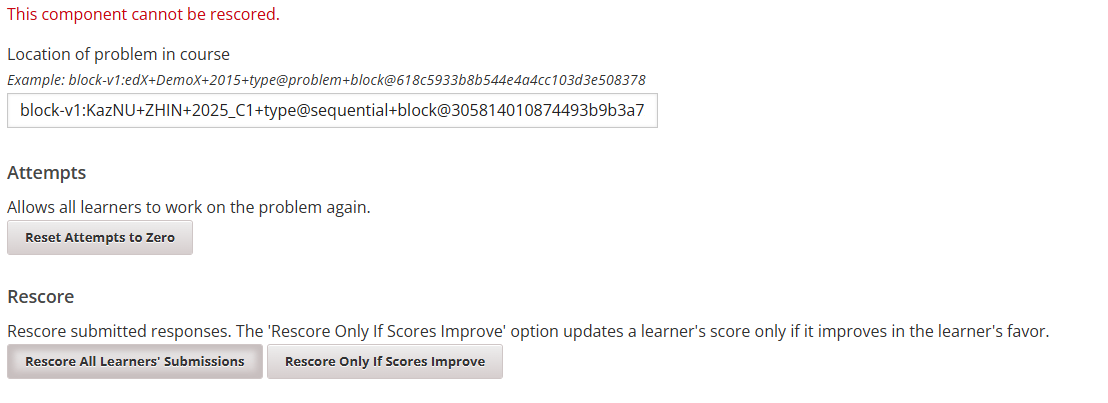
Later, I added the correct weight for the final exam, but I still don’t see any changes reflected in the final grades. I even tried removing and re-adding the weight settings in the grading policy blocks, but that didn’t help. I also cleared the cache, but that didn’t resolve the issue either.
Because of this problem, students are also having trouble obtaining their certificates. The “Request Certificate” button appears, but when clicked, nothing happens.
Please help me resolve this issue as soon as possible — it’s quite urgent.